
Key facts
- Manuals
- 7
- Categories
- 2
- Languages
- ZH · EN
- Last added
- 2012-05-08
Featured DVD manuals
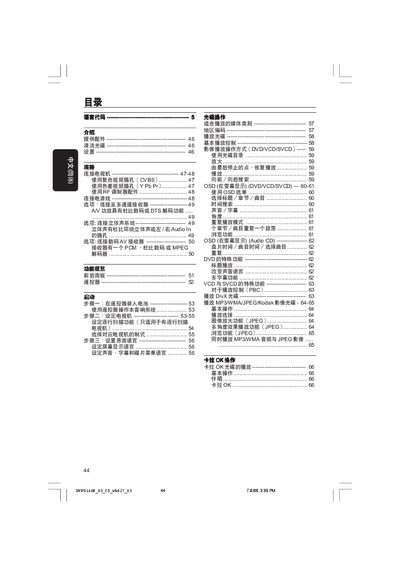
Philips DVP5140K DVD Player User Manual
This manual covers everything needed to get the Philips DVP5140K DVD player up and running. It explains the supplied accessories, how to clean discs, safety precautions, and step‑by‑step setup of the remote, TV connection options (composite, component, RF), and language configuration.
Later sections describe everyday operation such as playing DVDs, VCDs, SVCDs, DivX, MP3/WMA/JPEG discs, using the on‑screen display menu, adjusting audio and video settings, and a detailed fault‑diagnosis guide with solutions for common problems like no power, no picture, or no sound. This manual is written in Chinese.
Covers: 提供配件 · 清潔光碟 · 設置 · 連接電視機 · 功能概覽 · 遙控器
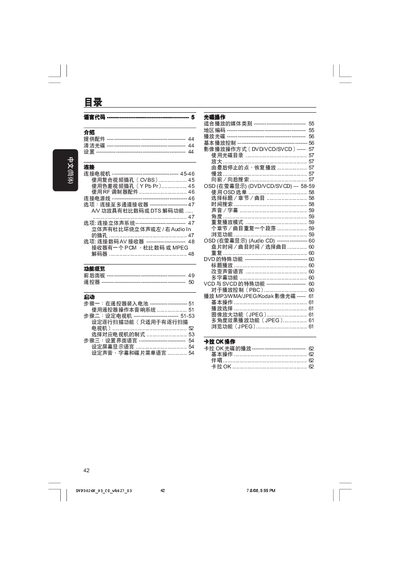
Philips DVP3026K DVD Player User Manual
This manual explains how to set up the Philips DVP3026K DVD player, including connecting power, video and audio cables, installing batteries in the remote, and configuring language and display settings. Detailed diagrams show composite (CVBS) and component (Y Pb Pr) video connections, as well as analog and digital audio wiring.
The guide also covers basic playback functions, special features such as karaoke mode, multi‑angle video, and region coding, plus a comprehensive fault‑diagnosis section with step‑by‑step troubleshooting and service‑support contact information. This manual is written in Chinese.
Covers: 目錄 · 提供配件 · 清潔光碟 · 連接電視機 · 遙控器 · 啟動
RS-SM-0127 User Manual
The manual describes the RS‑SM‑0127 DVR’s menu system, button functions, and connection options. It includes step‑by‑step guidance for playback, recording, and device configuration.
Key sections cover video format support, interface ports (USB, RS‑485, VGA, S‑Video), and troubleshooting tips. The document also lists technical specifications such as supported video standards and available input/output connectors.
Covers: Menu navigation · Display mode selection · Recording and playback controls · Interface connections (USB, RS‑485, VGA, S‑Video) · Supported video formats · System specifications
Latest DVD manuals
DVD PLAYER OPDV971H USER MANUAL
This manual provides detailed instructions on how to use the DVD player, including installation, connection, basic operations, and advanced operations.
DVD PLAYER Guide
DVD player Manual
This product is a DVD player that can play DVD, CD, VCD, SVCD, CVD optical discs, as well as MP3 audio files in CD-ROM. It supports NTSC and PAL systems of optical discs, has a built-in Dolby Digital (AC-3) decoder, and MPEGII sound / linear PCM up to 96KHz / 24bit. It supports multiple fast forward / reverse scanning, multiple slow forward / reverse playback, supports 5 preset points in the preset settings, and repeat playback.
DVD vcd player Manual
This document is the instruction manual of a DVD optical disc drive of a certain brand. It introduces the functions and characteristics of the optical disc drive, including support for DVD, VCD, Audio CD, MP3 format discs, support for Y/CB/CR and Y/PB/PR output, two-channel analog audio output, virtual 3D surround sound, coaxial digital audio output, Dolby® digital audio output and DTS® digital audio output, high-quality 96kHz/24BIT sound D/A converter, 10Bit/27MHzD/A video converter, etc.
Philips DVP5140K DVD Player User Manual
User Manual 38 pages · 1.8 MB · ZHThe Philips DVP5140K DVD Player User Manual provides setup, connection, operation, and troubleshooting instructions in Chinese.
Philips DVP3026K DVD Player User Manual
User Manual 36 pages · 1.8 MB · ZHPhilips DVP3026K DVD Player user manual with setup, connection, operation and troubleshooting instructions.
RS-SM-0127 User Manual
User Manual 34 pages · 2.1 MB · ENThis user manual provides operating instructions and specifications for the RS‑SM‑0127 digital video recorder.
Which document do I need?
User Manual
Day-to-day operation, settings and troubleshooting. Start here if the product is already set up.
Questions answered in DVD manuals
How do I connect the DVD player to a TV using composite video?
Connect the yellow VIDEO OUT plug on the DVD player to the TV’s composite video input (often labeled A/V In, VideoIn, or Baseband) using the supplied cable.
How do I connect the DVD player to a TV using composite video?
Connect the yellow VIDEO OUT plug on the DVD player to the TV’s composite video input (often labeled A/V In, VideoIn or Composite) with the supplied cable.
How do I change the display mode?
Press the DISPLAYMODE button (key 9) to switch between display modes.
From: RS-SM-0127 User Manual
How do I access the main menu?
Press the MENU button (key 12) to open the main menu.
From: RS-SM-0127 User Manual