
This document is the configuration manual of ReadyNAS 3200, which introduces the characteristics of ReadyNAS 3200, including initial installation, network settings, volume management, user access and data protection
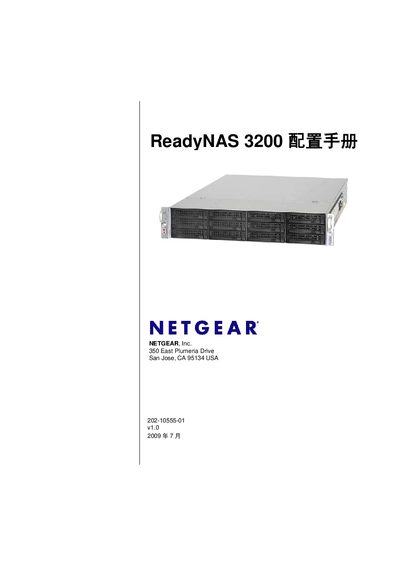
This manual guides users through configuring the ReadyNAS 3200 network storage device, including network settings, user access, data protection, and performance optimization. It covers RAID configurations like X-RAID2 and Flex-RAID, backup options, and remote access methods. The device supports up to 12 SATA drives and offers web-based management via FrontView. This manual is written in Chinese.
| Default IP Address | 192.168.168.168 |
|---|---|
| Default Admin Username | admin |
| Default Admin Password | netgear1 |
| Maximum Storage Capacity | 24TB |
| Supported RAID Levels | RAID 0, 1, 5, 6, X-RAID2 |
| Ethernet Ports | Dual Gigabit |
| USB Ports | 2 USB 2.0 |
| Maximum Hard Drives | 12 |
The default IP address is 192.168.168.168 if DHCP fails.
Use the FrontView management console accessible via a web browser.
It supports RAID 0, 1, 5, 6, and proprietary X-RAID2.
Yes, X-RAID2 automatically expands volume capacity when adding new drives.