
This document is the ReadyNAS 2100 User Guide released by NETGEAR, Inc.
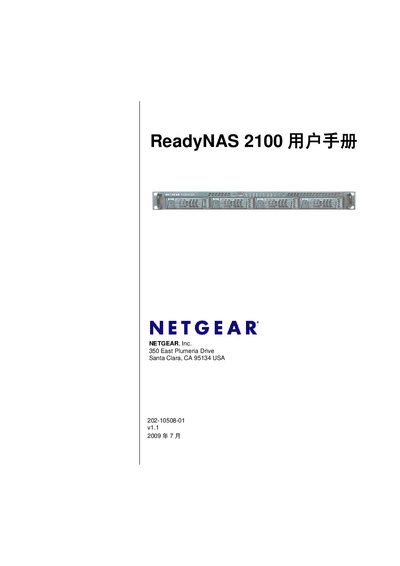
This manual introduces the ReadyNAS 2100 network attached storage system, describing its hardware components such as the front and rear panels, drive bays, status LEDs, and the X‑RAID2/Flex‑RAID architecture. It explains the initial setup process, including default IP settings, login credentials, and the FrontView management console.
Subsequent chapters cover network configuration, user and group management, data protection features like backup jobs, snapshots, and the ReadyNAS Vault service, as well as performance optimization, UPS integration, and procedures for replacing failed drives and reinstalling firmware. Appendices provide default settings and detailed instructions for accessing shares from Mac, Linux, and other platforms. This manual is written in Chinese.
| Supported RAID Types | X‑RAID2, Flex‑RAID |
|---|---|
| Supported File Protocols | AFP, SMB, NFS, FTP, WebDAV |
Use AFP via Bonjour as described in Appendix B.
Follow the steps in Chapter 5 to remove the failed drive, insert a new one, and let the system resynchronize.
Create and schedule a backup job using the Backup configuration section in Chapter 4.