
Key facts
Start here
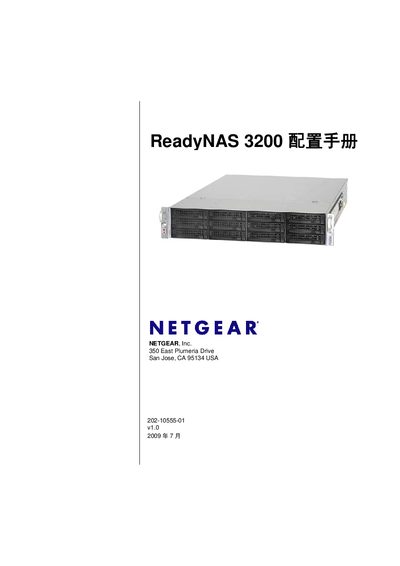
Netgear ReadyNAS 3200 Solutions Manual
User Manual 108 pages · 4.7 MB · EN
The ReadyNAS 3200 Solutions Manual covers the installation and configuration of the ReadyNAS 3200 network‑attached storage system. It explains the hardware components, RAID options, and the Netgear FrontView management interface.
The document also details supported network services such as NFS, SMB, FTP/FTPS, WebDAV, UPnP, SNMP, and others, and provides guidance for remote access, backup, and system monitoring.
ReadyNAS 3200 specifications
| Power Supplies | 2 × 700 W server‑grade AC PSU |
|---|---|
| Input Voltage | 100‑240 V AC, 50/60 Hz |
| Power Consumption | 170 W |
| Cooling Fans | 3 × 80 mm dual‑ball‑bearing fans |
| Operating Temperature | 0 °C – 40 °C (32 °F – 104 °F) |
| Dimensions (H × W × D) | 89 mm × 437 mm × 648 mm (3.5 × 17.2 × 25.5 in) |
| Weight (12 drives installed) | 32.8 kg (76 lb) |
| Drive Bays | 12 hot‑swap SATA drive bays |
All ReadyNAS 3200 documents by type
Installation Guide 1
Mounting, wiring and first power-up. Read it before the hardware goes in.
User Manual 1
Day-to-day operation, settings and troubleshooting. Start here if the product is already set up.
Questions answered in these manuals
How many hard drive bays does the ReadyNAS 3200 have?
The ReadyNAS 3200 provides 12 hot‑swap SATA drive bays.
What is the default administrator password?
The default admin password is netgear1.