
This document is the installation manual for the ReadyNAS 3200 network attached storage system by NETGEAR, Inc. It provides instructions on how to install and use the product.
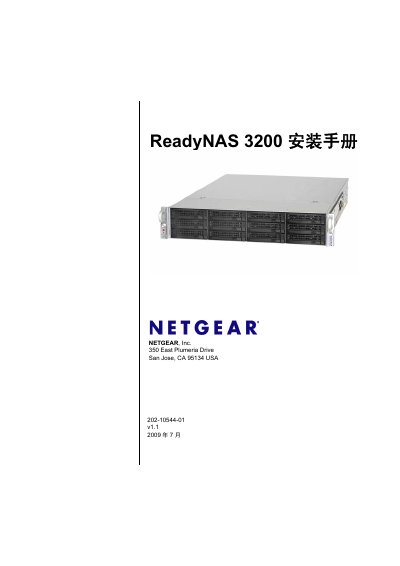
This guide provides step‑by‑step instructions for installing and configuring the ReadyNAS 3200, including rack‑mount setup, initial network settings, and default login credentials. It also covers safety precautions, hardware replacement procedures, and basic troubleshooting.
The document includes detailed hardware specifications, default configuration values, and procedures for hot‑swap replacement of drives, fans, power supplies, and the internal battery, aimed at users with intermediate networking and computer skills. This manual is written in Chinese.
| Power Supplies | 2 × 700 W server‑grade AC PSU |
|---|---|
| Input Voltage | 100‑240 V AC, 50/60 Hz |
| Power Consumption | 170 W |
| Cooling Fans | 3 × 80 mm dual‑ball‑bearing fans |
| Operating Temperature | 0 °C – 40 °C (32 °F – 104 °F) |
| Dimensions (H × W × D) | 89 mm × 437 mm × 648 mm (3.5 × 17.2 × 25.5 in) |
| Weight (12 drives installed) | 32.8 kg (76 lb) |
| Drive Bays | 12 hot‑swap SATA drive bays |
The ReadyNAS 3200 provides 12 hot‑swap SATA drive bays.
The default admin password is netgear1.
Yes, the power supplies are hot‑swap and can be replaced while the system is running.