
Key facts
- Manuals
- 6
- Models
- 1
- Languages
- ZH · EN
- Last added
- 2012-05-08
ReadyNAS models by category
Featured ReadyNAS manuals
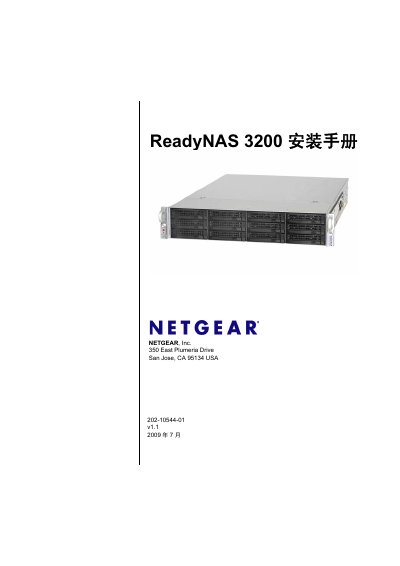
Netgear ReadyNAS 3200 Installation Guide
This guide provides step‑by‑step instructions for installing and configuring the ReadyNAS 3200, including rack‑mount setup, initial network settings, and default login credentials. It also covers safety precautions, hardware replacement procedures, and basic troubleshooting.
The document includes detailed hardware specifications, default configuration values, and procedures for hot‑swap replacement of drives, fans, power supplies, and the internal battery, aimed at users with intermediate networking and computer skills. This manual is written in Chinese.
Covers: Getting Started · Diagnostic and Maintenance · Adding or Replacing Hard Drives · Rack Mount Installation · Default Configuration and Specifications
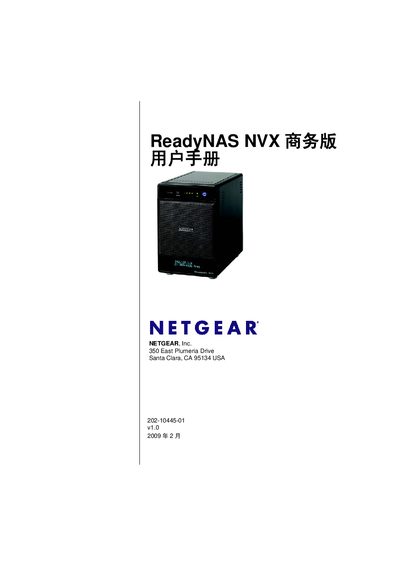
Netgear ReadyNAS NVX Business User Manual
The ReadyNAS NVX Business Edition manual provides detailed instructions for installing, configuring, and managing the network attached storage device. It covers hardware setup, RAID configuration options such as X‑RAID, X‑RAID2 and Flex‑RAID, and the use of management tools like FrontView.
The guide also explains supported network protocols (SMB/CIFS, FTP/FTPS, RSYNC, SNMP, SMTP) and auxiliary features such as UPS integration and USB connectivity, helping administrators deploy the system in business environments.
Covers: X-RAID · X-RAID2 · Flex-RAID · FrontView · SMB/CIFS · FTP/FTPS
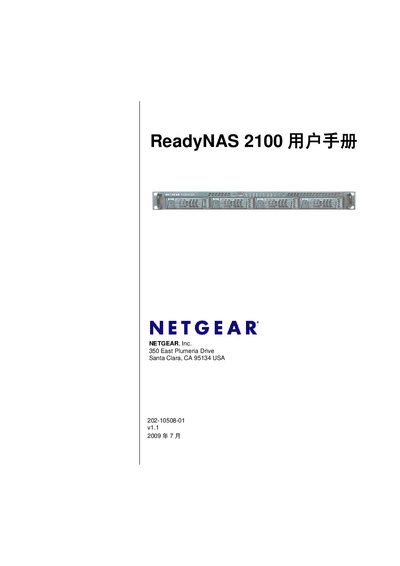
Netgear ReadyNAS 2100 User Manual
This manual introduces the ReadyNAS 2100 network attached storage system, describing its hardware components such as the front and rear panels, drive bays, status LEDs, and the X‑RAID2/Flex‑RAID architecture. It explains the initial setup process, including default IP settings, login credentials, and the FrontView management console.
Subsequent chapters cover network configuration, user and group management, data protection features like backup jobs, snapshots, and the ReadyNAS Vault service, as well as performance optimization, UPS integration, and procedures for replacing failed drives and reinstalling firmware. Appendices provide default settings and detailed instructions for accessing shares from Mac, Linux, and other platforms. This manual is written in Chinese.
Covers: Getting Started · Hardware Overview · Initial Setup · RAID Configuration · FrontView Management Console · Network Settings
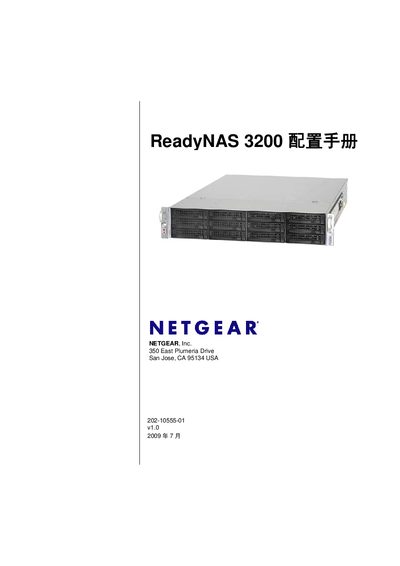
Netgear ReadyNAS 3200 Solutions Manual
The ReadyNAS 3200 Solutions Manual covers the installation and configuration of the ReadyNAS 3200 network‑attached storage system. It explains the hardware components, RAID options, and the Netgear FrontView management interface.
The document also details supported network services such as NFS, SMB, FTP/FTPS, WebDAV, UPnP, SNMP, and others, and provides guidance for remote access, backup, and system monitoring.
Covers: ReadyNAS 3200 Overview · X‑RAID2 and Flex‑RAID · FrontView Management · Network Protocols (NFS, SMB, FTP/FTPS, WebDAV, UPnP) · Remote Access (HTTPS, SSH, VPN) · System Services (SNMP, SMTP, NTP)
Latest ReadyNAS manuals
ReadyNAS Ultra Ultra 4 Ultra 6 Hardware Manual
This document is the hardware manual for NETGEAR's ReadyNAS Ultra series, which introduces the features and characteristics of the Ultra 4 and Ultra 6 products.
ReadyNAS Duo v2 NV+ v2 solutions manual
This manual describes the hardware features of the NETGEAR ReadyNAS Duo v2 and NV+ v2.
Netgear ReadyNAS 3200 Installation Guide
Installation Guide 36 pages · 1.3 MB · ZHInstallation guide for the Netgear ReadyNAS 3200 network attached storage system.
Netgear ReadyNAS NVX Business User Manual
User Manual 118 pages · 4.5 MB · ENUser manual for the Netgear ReadyNAS NVX Business Edition network attached storage system.
Netgear ReadyNAS 2100 User Manual
User Manual 120 pages · 6.2 MB · ZHThe Netgear ReadyNAS 2100 User Manual provides setup, configuration, and maintenance instructions for the ReadyNAS 2100 network attached storage system.
Netgear ReadyNAS 3200 Solutions Manual
User Manual 108 pages · 4.7 MB · ENThe Netgear ReadyNAS 3200 Solutions Manual provides setup, configuration, and troubleshooting guidance for the ReadyNAS 3200 network storage device.
Which document do I need?
Installation Guide
Mounting, wiring and first power-up. Read it before the hardware goes in.
User Manual
Day-to-day operation, settings and troubleshooting. Start here if the product is already set up.
Questions answered in ReadyNAS manuals
How many hard drive bays does the ReadyNAS 3200 have?
The ReadyNAS 3200 provides 12 hot‑swap SATA drive bays.
What is the default administrator password?
The default admin password is netgear1.
Who manufactures the ReadyNAS NVX?
The ReadyNAS NVX is manufactured by Netgear.
What edition of the ReadyNAS NVX does this manual cover?
It covers the ReadyNAS NVX Business Edition.
How can I access ReadyNAS shares from a Mac?
Use AFP via Bonjour as described in Appendix B.
How do I replace a failed hard drive in the ReadyNAS 2100?
Follow the steps in Chapter 5 to remove the failed drive, insert a new one, and let the system resynchronize.