
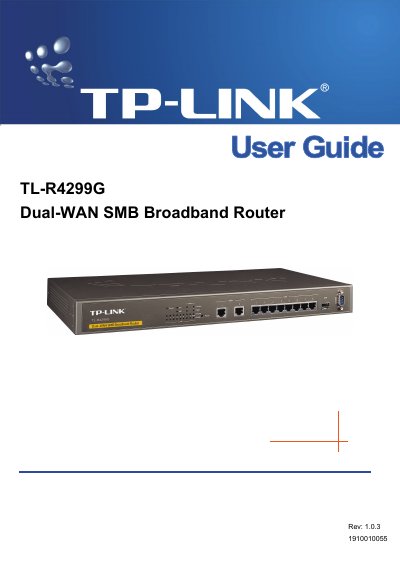
The TL-R4299G is a Dual-WAN SMB Broadband Router from TP-LINK TECHNOLOGIES CO., LTD. It provides two WAN ports and eight LAN ports, with the two WAN connections backing each other up and sharing load automatically. The router is built on an Intel IXP core, includes a built-in NAT and DHCP server, a firewall with IP, domain name and MAC address filtering, and VPN pass-through. Support for Virtual Server, Port Triggering, DMZ host, QoS based on IP address, and port bandwidth control, port mirror and port-based VLAN for the LAN ports is also described.
The guide starts with an overview and feature list, then covers hardware installation: front and rear panel layouts, LED descriptions, system requirements, installation environment requirements and connecting the router. A quick installation guide follows, and the rest of the document explains the web-based configuration interface: Status, Quick Setup, Network, DHCP, Forwarding, Security, Static Routing, Session Limit, QoS, IP & MAC Binding, Dynamic DNS, Switch Setting and System Tools. Appendix A lists specifications and Appendix B answers frequently asked questions, including remote management and adding a virtual server.
| LAN ports | 8 |
|---|---|
| WAN ports | 2 |
| Core | Intel IXP, main frequency up to 533Hz (as printed) |
| Standards | IEEE 802.3, 802.3u, 802.3x, 802.1x |
| Protocols supported | TCP/IP, PPPoE, DHCP, ICMP, NAT, SNTP |
| Rack mounting | Standard 19-inch rack mounting kits included |
It has 2 WAN ports and 8 LAN ports, and the backup connection is switched automatically between the two WAN lines.
The box contains the router, a power cord, a Resource CD with the guide and other helpful information, and mounting kits for a standard 19-inch rack.
After setting a web management port and remote management IP address, enter the router's LAN IP address followed by the web management port in the browser, for example http://192.168.1.1:88.
It complies with IEEE 802.3, 802.3u, 802.3x and 802.1x.