
Simatic S7-300 is a system solution for production manufacturing engineering, providing a universal automation platform. It is suitable for various industrial sectors such as production manufacturing engineering, automotive industry, and general machinery manufacturing. S7-300 features efficient configuration and programming, and integrated system diagnostic functions. It is designed with a space-saving modular structure and high electromagnetic compatibility. Different performance levels of CPUs are available, with integrated I/O, technology functions, and communication interfaces. S7-300 is a fully integrated automation product.
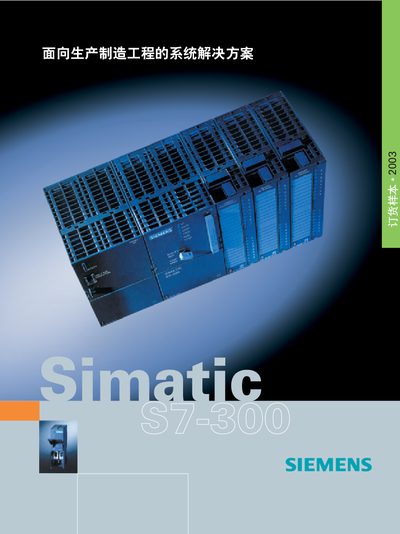
The SIMATIC S7-300 is a modular PLC system that includes a range of CPU modules (e.g., CPU 312, CPU 313C, CPU 314, CPU 315‑2DP, CPU 318‑2DP) and supports various I/O and communication modules. It is designed for industrial automation and can be programmed with STEP 7 or STEP 7‑Lite software.
This manual provides step‑by‑step instructions for installing the hardware, wiring power and signal connections, configuring the system, programming the controller, and using communication protocols such as PROFIBUS DP. It also includes diagnostic information, specifications, and contact details for technical support.
| Analog input voltage range | 0‑10 V, 15 V, +10 V |
|---|---|
| Analog input current range | 4‑20 mA, 0‑20 mA |
| Response time | 0.8 ms (typical) |
The controller supports PROFIBUS DP communication.
Technical support can be contacted via [email protected].