
This is the user manual of Philips 221P3 Brilliance monitor. It introduces the installation, operation, image optimization, power management and other contents of the monitor, and also includes common problem solving and warranty terms.
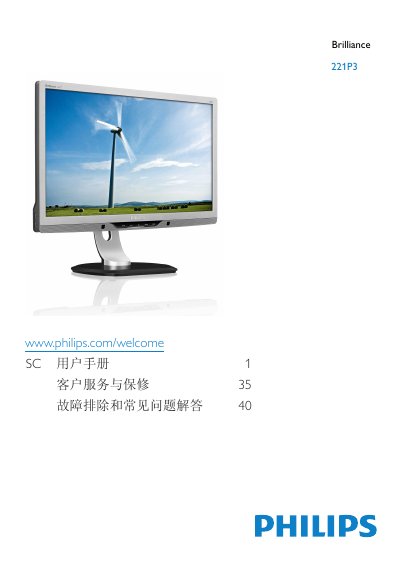
This user manual is for all users of the Philips 221P3Brilliance monitor and contains important information and precautions for using the display. It covers safety measures, setup, image optimization, power management, technical specifications, regulations, warranty, and troubleshooting.
The guide explains how to connect the monitor to a PC, use the on-screen display (OSD) menu, and adjust picture and audio settings. It also describes features such as SmartImage, SmartDesktop, and Power Sensor, and lists supported resolutions, dimensions, and customer service and warranty information. This manual is written in Chinese.
| Native resolution | 1920 x 1080 @ 60 Hz |
|---|---|
| Operating temperature | 0-40°C (32-95°F) |
| Operating humidity | 20-80% RH |
| Height adjustment | 130 mm |
| Video inputs | VGA, DVI, DisplayPort |
The monitor performs best at its native resolution of 1920 x 1080 @ 60 Hz.
SmartImage offers six modes: Office, Photo, Movie, Game, Economy, and Off.
Turn off the power immediately, unplug the power cord, remove objects or dry the water, and send the monitor to a repair center.
Wait 6 seconds before reconnecting the power cord or DC power cord for normal operation.