
This document is an electronic user manual for Philips LCD monitor. It includes precautions for using the monitor, common questions, troubleshooting methods, regulations and other related information.
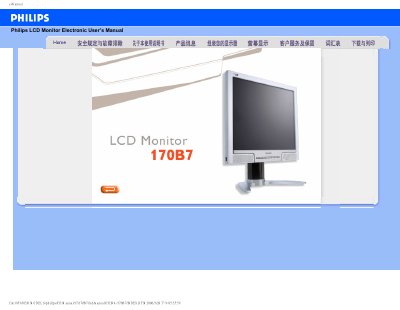
This electronic user's manual covers the Philips 170B7 LCD monitor, including safety instructions, troubleshooting, and frequently asked questions. It explains display modes, resolution settings, USB connectivity, and color adjustment for the monitor.
The manual includes guidance on installation, optimal performance at 1280x1024 resolution, screen cleaning, and compatibility with PCs and Plug and Play systems. This manual is written in Chinese.
| Native resolution | 1280x1024 |
|---|---|
| Plug and Play | Supported |
| PC compatibility | Compatible with any PC |
| Interlaced signal support | Not supported |
The recommended resolution is 1280x1024.
Yes, the monitor supports Plug and Play.
No, interlaced signals cause image distortion.
Yes, all Philips monitors are fully compatible with any PC.