
This manual provides information on safety measures and repairs of Philips LCD monitors, including operations, maintenance, FAQs, troubleshooting and regulations.
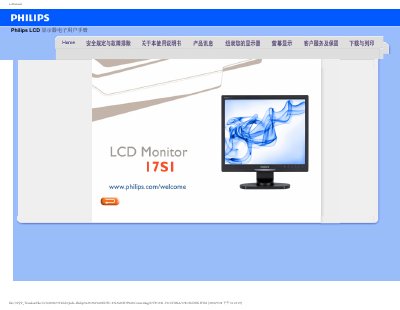
This document is the user manual for the Philips 17S1 LCD Monitor. It provides safety and troubleshooting information, assembly guidance, and answers to frequently asked questions about the display.
The manual covers recommended resolution and refresh rate, driver installation, OSD color settings, VESA wall mounting, compatibility with PCs, Macs and workstations, and plug-and-play support under Windows and Linux. This manual is written in Chinese.
| Screen size | 17 inch |
|---|---|
| Resolution | 1280x1024 @60Hz |
| Refresh rate | 60Hz |
| Maximum refresh rate | 75Hz |
| Operating temperature | 0-40°C |
| Humidity | 20-80% RH |
Yes. The monitor provides standard VESA mounting holes on the back cover for most VESA standard mounting brackets or accessories.
The recommended resolution is 1280x1024 at 60Hz.
Yes. It supports plug-and-play under Windows 95, 98, 2000, XP, Vista and Linux.
Use a clean soft cloth for normal cleaning. For detailed cleaning, use isopropyl alcohol and avoid ordinary alcohol, ethanol, acetone, hexane and other solvents.