
This manual provides information about how to use the Lexmark E350d and E352dn printers.
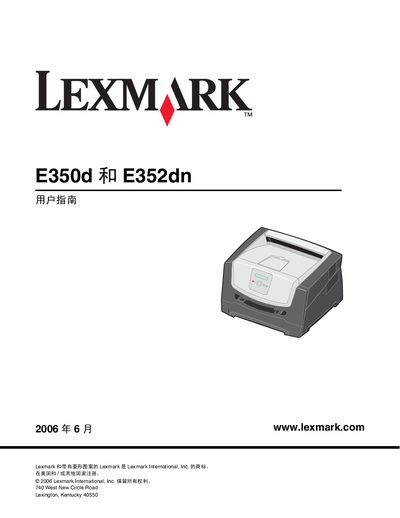
This guide covers the Lexmark E350d and E352dn laser printers, describing their hardware features, control panel functions, and how to install optional accessories. It explains how to load and select printing media, connect the printer to a network or computer, and manage print jobs.
The manual also includes sections on routine maintenance, clearing paper jams, troubleshooting common issues, and warranty and recycling information. Safety warnings and regulatory notices are provided throughout the document. This manual is written in Chinese.
| 250‑page paper tray capacity | 250 sheets |
|---|---|
| 550‑page paper tray capacity | 550 sheets |
| Supported media types (paper tray) | A4, A5, A6 (portrait), JIS B5, US Letter, legal, etc. |
| Supported media weight | 60–90 g/m² (16–24 lb) |
Turn off the printer, wait about 10 seconds, then turn it back on and follow the instructions to remove the jammed paper.
The printer can load paper, card stock, transparencies, labels, and envelopes, with specific sizes listed for each tray.