
SMS0628 Digital Pen Segment LCD Display Module (LCM) adopts Digital Pen Segment LCD Display (LCD) and can display 6 digits and 11 segment prompts and 1 decimal point. It has wide voltage working range and micro power consumption. It is widely used in intelligent water meters.
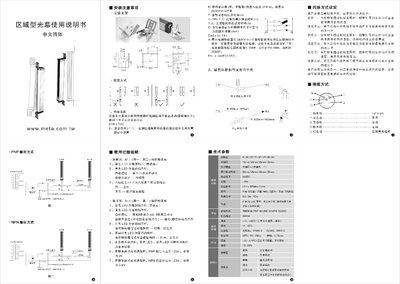
This manual explains how to install the light curtain, including mounting the brackets and connecting power. It also details safety distance calculations using the formula D = K×T + C to ensure a safe separation between the sensor and hazardous machine parts.
Operating instructions cover LED indicators (green for power, yellow for self‑test, red for alarm), PNP/NPN output voltage levels, and three selectable alarm modes. Technical specifications such as supply voltage, power consumption, detection distance, and environmental limits are listed for reference. This manual is written in Chinese.
| Supply Voltage | 24VDC |
|---|---|
| Detection Distance | 0.5‑5 m / 10 m |
| Operating Humidity | 15 %‑85 % |
Green LED indicates power (continuous on), yellow LED shows self‑test status (flashes on success, stays on on failure), and red LEDs indicate alarm conditions.
After powering the unit, connect the red and brown wires within five seconds to select one of three alarm modes as described in the manual.