
This is a user manual for a digital photo album, which contains instructions on how to turn on, turn off, charge, play media, and set up the product.
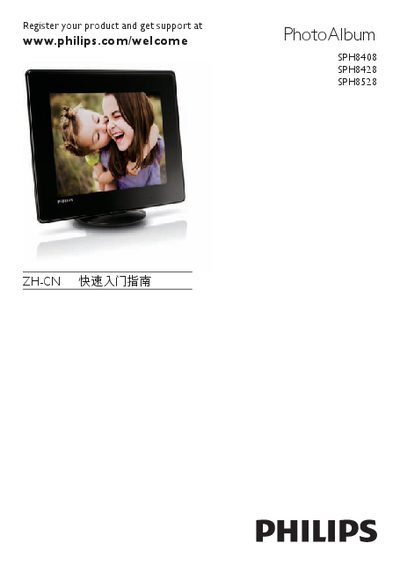
This guide introduces the basic functions of the Philips PhotoAlbum digital photo frame series, including how to power on the device, select language, set date and time, and navigate the main menus. It explains button functions, how to switch between slideshow, clock/calendar, waveform and album views, and how to lock or unlock the touch screen.
The document also details charging procedures, battery life, supported media formats (photos, video clips and background music for SPH8528), and how to use storage devices such as SD cards, USB flash drives, and other supported media. Instructions for creating, viewing, editing, and deleting event reminders are provided as well. This manual is written in Chinese.
| Charging time | Approximately 2 hours |
|---|---|
| Operation time on full charge | 1 hour (SPH8408/SPH8428) or 2 hours (SPH8528) |
| Supported photo format | JPEG |
| Supported video format | Video clips (SPH8528 only) |
| Supported background music | Background music (SPH8528 only) |
| Supported storage devices | SD/SDHC/MMC/MMC Plus/xD/MS/MS, Pro (SPH8528), USB flash drive |
It takes about 2 hours to fully charge the built‑in battery.
The SPH8408 and SPH8428 models run for up to 1 hour, while the SPH8528 runs for up to 2 hours on a full charge.
All models support JPEG photos; only the SPH8528 supports video clips and background music.