
This is the user manual of Philips monitor, which introduces the features and characteristics of the monitor and how to use it.
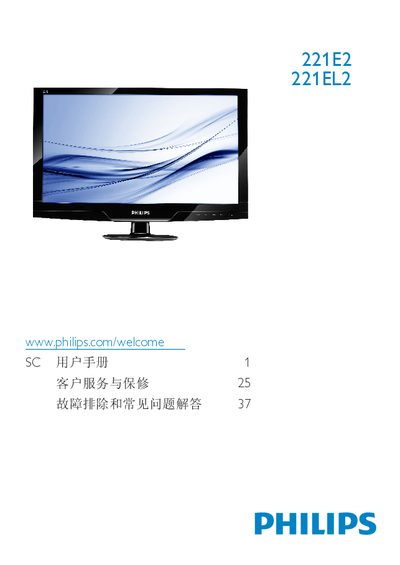
This manual provides safety guidelines, installation steps, and operating instructions for the Philips 221E2/221EL2 21.5" LCD monitor. It includes details on SmartImage Lite, SmartContrast, and SmartControl Lite features, as well as recommended usage conditions.
The document also lists technical specifications, warranty information, and a comprehensive FAQ that helps resolve common issues such as video mode errors, refresh‑rate settings, and cleaning procedures. This manual is written in Chinese.
| Panel size | 21.5" (54.6 cm) |
|---|---|
| Panel type | TFT‑LCD |
| Backlight | CCFL (221E2) / LED (221EL2) |
| Resolution | 1920 × 1080 @ 60 Hz |
| Brightness | 250 cd/m² |
| Contrast ratio (typical) | 1000:1 |
| Response time (typical) | 5 ms |
| Viewing angle | 176° (H) / 170° (V) |
| Color depth | 16.7 million colors |
| Refresh rate range | 56 – 76 Hz |
Set the PC to the recommended resolution of 1920 × 1080 @ 60 Hz, then adjust the refresh rate to 60 Hz (or up to 75 Hz if needed) and reconnect the monitor.
The recommended refresh rate is 60 Hz; you may increase it to 75 Hz to check for interference.
Use a dry soft cloth for normal cleaning; for detailed cleaning use isopropyl alcohol, avoiding regular alcohol, ethanol, acetone, or other solvents.