
This document provides instructions for installing and getting started with Panasonic fax machines, as well as detailed explanations of how to use functions such as faxing, copying, and answering machine.
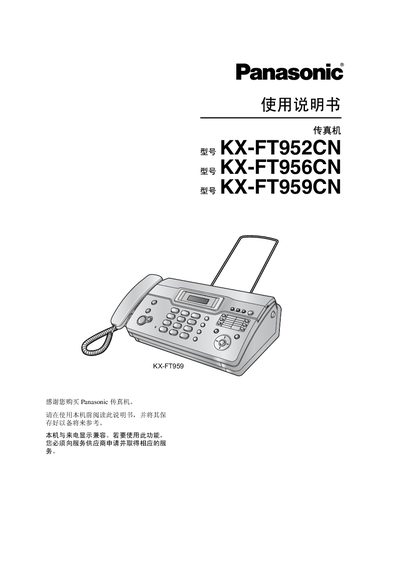
This manual covers the Panasonic KX-FT952CN, KX-FT956CN and KX-FT959CN fax machines. It includes installation steps, connection details, and quick‑start procedures.
It also describes fax sending/receiving, copying, answering‑machine functions (for KX-FT959), programmable features, troubleshooting, cleaning, and technical specifications. This manual is written in Chinese.
| Applicable line | Public switched telephone network |
|---|---|
| Document size | Max width 216 mm, max length 600 mm |
| Recording paper size | 216 mm × up to 30 m roll |
| Standby power consumption | ≈ 1.5 W (KX-FT952/KX-FT956), ≈ 1.8 W (KX-FT959) |
| Fax storage capacity | ≈ 28 pages (standard resolution) |
Open the top cover, insert the front end of the paper into the opening on the thermal head, pull the paper out, ensure there is no slack, then close the cover securely.
The standby power consumption is about 1.5 W for the KX-FT952 and KX-FT956 models and about 1.8 W for the KX-FT959 model.
Dial the fax number and press the {fax/start} button.