
This PDF file is the user manual for Panasonic DMC-TZ50 digital camera, which introduces how to use Wi-Fi function to upload images to WEB album
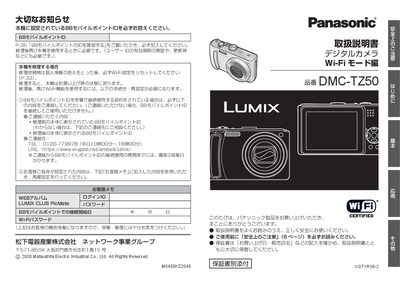
This manual describes how to use the Wi‑Fi function of the Panasonic DMC‑TZ50 digital camera, including connecting to the LUMIX CLUB PicMate web album, uploading images, and managing BB Mobile Point IDs. It provides step‑by‑step instructions for selecting Wi‑Fi mode, registering access points, and setting passwords.
It also contains important safety warnings for using the wireless LAN feature, such as keeping the camera away from medical devices, avoiding use in aircraft, and resetting Wi‑Fi settings before repair or disposal. Additional information covers optional AC‑adapter usage and regulatory compliance. This manual is written in Japanese.
| Model number | DMC-1Z50 |
|---|---|
| Optional AC adapter | DMW-AC5 (separate sale) |
You need a paid BB Mobile Point ID and password; the ID must be recorded before repair and re‑entered after service.
In Wi‑Fi mode, go to Wi‑Fi設定, select WEBアルバム設定, and enter the login ID (email) and password as instructed.
The Wi‑Fi function is intended for use in Japan only; using it abroad may violate local regulations.