
This document is an operation guide for the KV-S6050WCN / KV-S6055WCN / KV-S6050WUCN / KV-S6055WUCN scanner, which includes information on installation, operation, and maintenance.
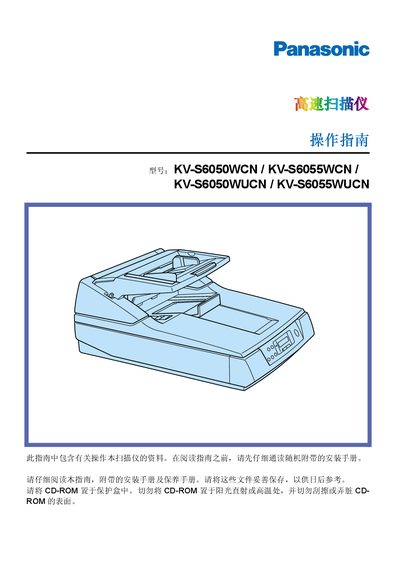
The document is an operating guide for Panasonic KV‑S6050WCN, KV‑S6055WCN, KV‑S6050WUCN and KV‑S6055WUCN flatbed/ADF scanners. It covers setup, language selection, scanning methods, paper handling, LCD navigation, and detailed maintenance steps such as cleaning the roller and replacing consumable components.
Safety notices for FCC and international markets are included, along with preventive measures to protect the device. The guide also lists technical specifications, troubleshooting tips, and part numbers for optional accessories. This manual is written in Chinese.
| Flatbed scan speed | 1.5 s per sheet (200 dpi) |
|---|---|
| ADF single‑sided speed | ≈56 pages/min (200 dpi) |
| ADF double‑sided speed (KV‑S6055WCN) | ≈46 pages/min (200 dpi) |
| Optical resolution | 400 dpi |
| Maximum paper size (flatbed) | 298 × 432 mm (11.7 × 17 in) |
| Paper capacity | 200 sheets (64 g/m², 17 lb) |
| Power requirement (KV‑S6050WCN/…) | AC 100‑120 V, 50/60 Hz |
| Power requirement (KV‑S6050WUCN/…) | AC 220‑240 V, 50/60 Hz |
| Weight | 30 kg (66 lb) |
| Operating temperature | 15 °C – 30 °C (59 °F – 86 °F), 30 % – 80 % RH |
Use a 5 A fuse approved by ASTA or BSI and reinstall the fuse holder; do not operate the scanner without the fuse cover.
The device must be used with the supplied shielded interface cable and power cord; any unauthorized modifications void the user’s right to operate it.
The flatbed scans a sheet in about 1.5 seconds at 200 dpi.