
Panasonic Fax Machine KX-FT832CN, KX-FT836CN, KX-FT836 User Manual
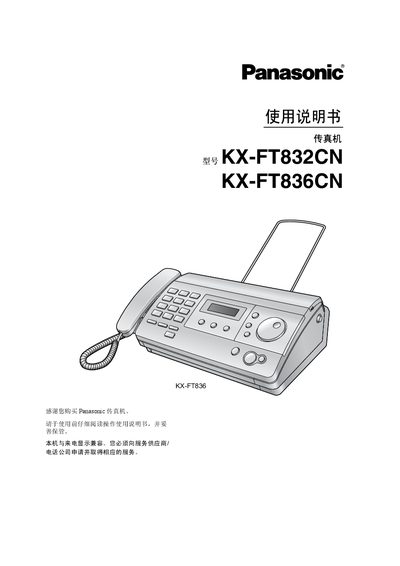
This manual covers installation and quick‑start steps, including how to connect power, telephone lines, and install the thermal recording paper. It also explains the optional accessories and initial configuration of volume, date/time, logo and fax number.
Subsequent sections describe how to send and receive faxes, make copies, use programmable functions, and perform routine maintenance such as cleaning the scanner glass and paper path. Technical specifications, safety information, and troubleshooting guidance are provided at the end of the document. This manual is written in Chinese.
| Applicable line | Public switched telephone network |
|---|---|
| Document size | Maximum width 216 mm, maximum length 600 mm |
| Recording paper size | 216 mm × up to 30 m roll |
| Standby power consumption | ≈ 1.5 W |
| Operating environment | 5 °C‑35 °C, 20 %‑80 % RH |
| Dimensions | ≈ 123 mm × 352 mm × 224 mm (H × W × L) |
| Weight (with accessories) | ≈ 3 kg |
Press the MENU key, select SET, then follow the prompts to enter the year, month, day, hour and minute.
The standby power consumption is about 1.5 W.
It uses standard thermal recording paper sized 216 mm wide and up to 30 m long.
The device can operate between 5 °C and 35 °C.