
IN10 Reference Guide is a projector user manual, including connecting computer, displaying computer image, adjusting image, connecting video device and other content.
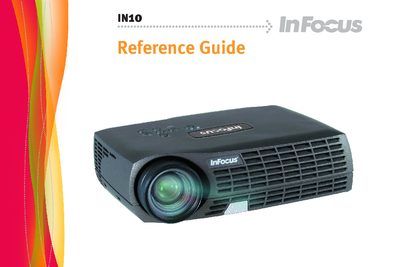
This reference guide covers everything needed to install and use the InFocus IN10 digital projector, including connecting a computer or video source, adjusting image size and focus, and using the remote control and on‑panel menus. It also details safety precautions, lamp handling, and cleaning procedures to keep the projector performing reliably.
The manual includes troubleshooting tips, lamp‑replacement steps, and an appendix with projection‑size tables for different screen distances. All instructions are written for the IN10 model and compatible variants (M6, LP70+, M2+). This manual is written in Chinese.
| Resolution | 1024×768 (XGA) |
|---|---|
| Lamp type | Mercury lamp |
| Interfaces | M1‑D/A (HD/DVI), S‑Video, Composite video, Audio input |