
This document provides information on the installation, connection, and basic operation of the ST-HB42A, ST-HB55A, and ST-HB65A monitors.
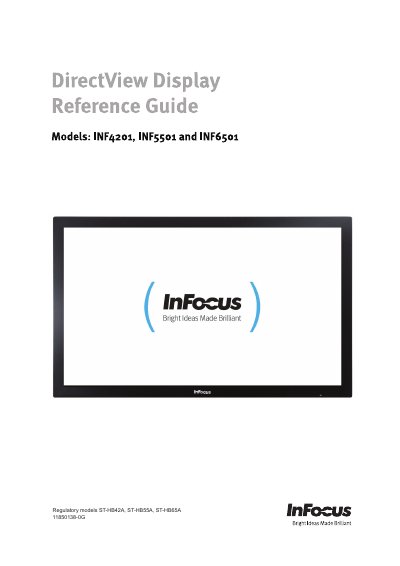
This manual covers the regulatory models S T-HB42A, S T-HB55A, and S T-HB65A, which correspond to the InFocus INF4201, INF5501, and INF6501 monitors. It includes safety information, shipping contents, and detailed instructions for moving and installing the monitor on a wall or stand. The guide also explains how to connect various devices such as computers, VCRs, and HDMI sources.
| Resolution | 1920 x 1080 |
|---|---|
| Brightness | 450 cd/m² |
| Contrast Ratio | 5000 |
| Response time (GTG) | 4.5 ms to 5.5 ms |
| Backlight Life Time | 50000 hrs |
| Power Consumption (Operation Mode) | 578W (INF6501) |
| Power Consumption (Operation Mode) | 273W (INF5501) |
| Net Weight (INF6501) | 67.0 KG |
| Net Weight (INF5501) | 43.8 KG |
| Audio Speaker Output | 10W/4 Ω x2 |
At least two people are required to move the monitor to prevent damage and personal injuries.
The operating temperature range is 5°C to +35°C (41°F to 95°F).
The monitor accepts an input of AC 100V~240V at 50 Hz ~ 60 Hz.
Yes, the shipping contents include a Monitor Remote Control, but it does not include batteries.