
This manual describes how to connect and operate the LP 240/250 projector.
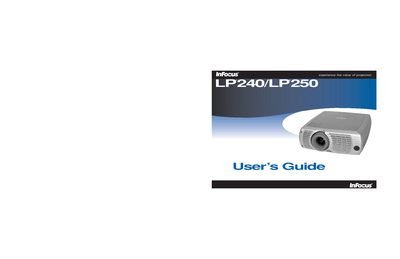
This manual covers the InFocus LP240 and LP250 digital projectors, describing their features, specifications, and accessories. It guides users through installation, computer and video connections, image adjustment, and basic operation.
Key sections include computer and optional video connections, Windows setup, image geometry adjustment, menu navigation, lamp replacement, cleaning procedures, and troubleshooting. Safety warnings and regulatory compliance information are also provided. This manual is written in Chinese.
| Dimensions | 12 x 10 x 3.7 in (305 x 255 x 95 mm) |
|---|---|
| Weight | 5.7 lb (2.6 kg) |
| Optical Focus Range | 4.9 – 29 ft (1.5 – 8.9 m) |
| Lamp Type (LP240) | 132 W UHP |
| Input Power | 100‑240 V, 2.5‑1 A, 50‑60 Hz |
| Operating Humidity | 20 %‑80 % RH, non‑condensing |
A replacement warning appears after about 1,980 hours of lamp use, and the lamp will stop lighting once the timer reaches 2,000 hours.