
This reference guide introduces how to connect a computer, display a computer image, adjust the image, and connect a video device
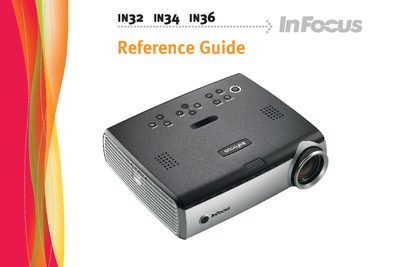
The InFocus IN32/IN34/IN36 Reference Guide provides step‑by‑step instructions for connecting computers and video sources, adjusting image settings, using the control panel and remote, and performing routine maintenance. It also includes safety warnings, compliance information and troubleshooting tips.
The guide details the projector’s hardware interfaces, lamp replacement procedures, cleaning of the lamp filter, and provides an appendix with image size tables to help users select the proper projection distance. This manual is written in Chinese.
| Resolution | XGA 1024x768 |
|---|---|
| Video/Computer Interfaces | M1‑D/A (HD, DVI, computer), VESA (HD, component, computer), VESA output, Super‑video (S‑video), Composite RCA video, Audio in/out, RJ‑45 serial control |