
This document is the user's guide for the INF5520 product, which describes the specifications, features, and safety of the product. The product complies with the EMC Directive 2004/108/EC and the Low Voltage Directive 2006/95/EC.
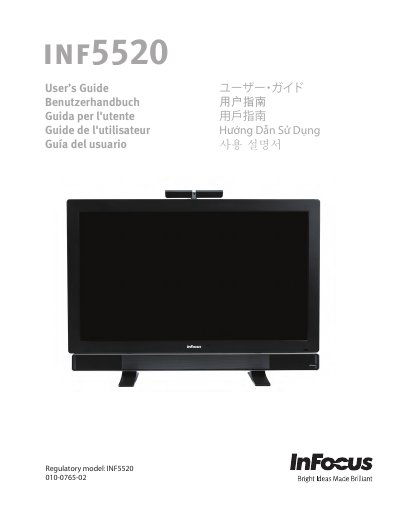
This document is the user manual for the InFocus INF5520 interactive flat panel tablet. It includes safety considerations, an overview of the device, and detailed instructions on setting up the wireless mouse and keyboard, connecting to other devices, and powering the unit on and off. The guide also explains touch techniques and how to use the remote control and keypad.
| Input Voltage | AC 100-240V, 7.5A, 50-60Hz |
|---|
The tablet is very heavy and should be moved and installed by at least two individuals.
If installed against the wall, maintain a distance of at least 1.98 inches (5cm) for adequate ventilation.