
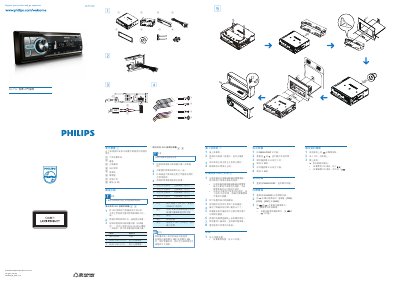
Philips CEM200 Car Audio System Quick Start Guide


Philips CEM200 Car Audio System Quick Start Guide - cover page
Brand
Philips
Category
Car Accessories
Document type
Quick Start Guide
Language
Chinese
Pages
1
File format
PDF
Published
11 October, 2011
Updated
29 September, 2023
Models
CEM200, M20
MD5 checksum
B724513A6637FB91D3B0F076A2302016

About this manual

This Philips CEM200 quick start guide describes the included parts and explains how to connect the wiring for vehicles with or without ISO connectors. It also shows how to install the car audio system in the dashboard.

The guide covers turning the unit on and off, setting and viewing the clock, listening to FM and AM radio, and playing audio CDs. This manual is written in Chinese.

What's inside

  • Parts overview
  • Connecting wires
  • Installing in the dashboard
  • Power on
  • Setting the clock
  • Viewing the clock
  • Listening to radio
  • Playing audio files

Frequently asked questions

How do I turn the Philips CEM200 on and off?

Press the power button to turn on the device. To turn it off, press and hold the button for 3 seconds.

How do I set the clock on the Philips CEM200?

Press MENU/DISP for 3 seconds, choose the current time, rotate to set the hours and minutes, and confirm each setting.

Can the Philips CEM200 be connected to an amplifier?

Yes. Use an RCA-to-RCA cable, which is not included, to connect the car audio system to an amplifier.

Download PDF

More Philips Manuals


View all Philips manuals →