
This manual provides instructions on how to install, connect and use the CID3686 car stereo.
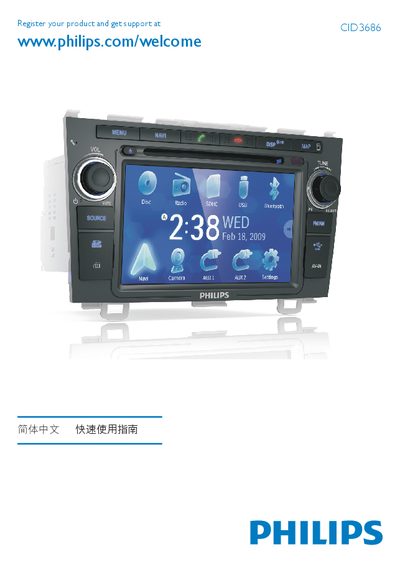
This guide provides step‑by‑step instructions for installing the CID3686 car audio unit, including wiring, mounting, and connecting GPS and radio antennas. It also outlines safety precautions such as using the supplied hardware and ensuring a proper 12 V DC negative‑ground power source.
After installation, the guide explains how to power on the device, set date and time, use navigation, tune radio stations, play media from discs, USB, or Bluetooth, make phone calls, and adjust volume and equalizer settings. This manual is written in Chinese.
| Operating voltage | 12 V DC (negative ground) |
|---|---|
| Power line colors | Yellow (positive), Red (ground) |
| Bass equalizer range | -14 to +14 |
| Midrange equalizer range | -14 to +14 |
| Treble equalizer range | -14 to +14 |
| Low‑frequency filter options | 60, 80, 100, 200 Hz |
| Mid‑frequency filter options | 500, 1 k, 1.5 k, 2.5 k Hz |
| High‑frequency filter options | 10 k, 12.5 k, 15 k, 17.5 k Hz |
Press and hold the /MUTE/VOL button; the device will power on and display the OSD screen.
Bass, mid, and treble can each be set from –14 to +14, and the frequency filters have selectable bands as listed.
It must be connected to a 12 V DC supply with the negative terminal grounded.