
The EMC Celerra VG8 Gateway is an enterprise-class SAN + NAS platform that provides a comprehensive, integrated storage solution that adds NAS storage to a centralized information storage system, allowing dynamic expansion, sharing, and economical file system management through multi-protocol file access.
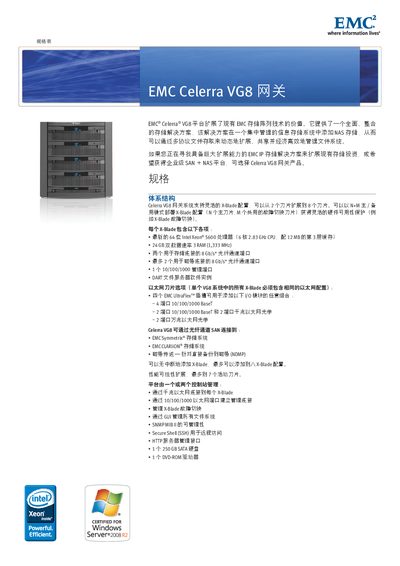
This manual describes the EMC Celerra VG8 gateway, a storage solution that integrates NAS capabilities with existing EMC storage investments. It outlines hardware specifications, supported network protocols, and high‑availability functions such as X‑Blade redundancy and SnapSure data protection.
The document also covers configuration details for DART file services, VMware integration, power and environmental requirements, and provides guidance on installing and managing up to eight X‑Blade modules within the chassis. This manual is written in Japanese.
| Fiber Channel | 8 Gb/s optical channel per X‑Blade |
|---|---|
| Storage Drives | 1 × 250 GB SAS, 1 × DVD‑ROM |
| Power Input | 100‑240 V AC, 50‑60 Hz, 10 % tolerance |
| Weight | 111.22 kg (VG8 with 8 X‑Blades) |
The VG8 chassis supports up to eight X‑Blade modules.
Supported protocols include NFSv2/v3/v4 (including pNFS), CIFS/SMB, FTP, FTPS, iSCSI, and MPFS.
It operates on 100‑240 V AC, 50‑60 Hz, with a maximum power draw of about 2.29 kW.
Yes, it provides VMware plug‑in functionality for data replication, cloning, and data reduction.