
This manual describes the basic functions and usage methods of MOTO TM EX200 mobile phone.
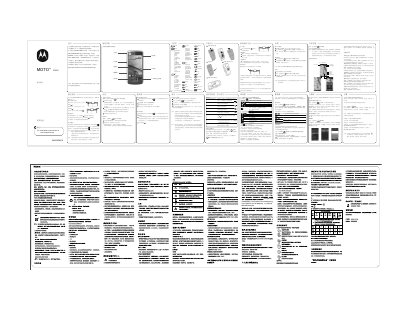
This manual provides instructions for the Motorola EX200 smartphone, which supports EVDO+GSM dual network standby, 3G, and WAPI/WLAN internet access. It includes a 3.0-inch touchscreen, a 2-megapixel camera, and pre-installed GPS navigation software. This manual is written in Chinese.
| Screen | 3.0-inch WQVGA (resistive) touchscreen |
|---|---|
| Camera | 2.0 megapixel digital camera |
| Network Support | EVDO+GSM dual network standby |
| Internet Access | Tianyi 3G and WAPI/WLAN |
| Bluetooth Range | 10 meters (approx. 32 feet) |
| Memory Card Requirement | 2GB or higher |
Yes, you can call emergency services as long as you are within network coverage, even without a phone card.
Go to Main Menu > Bluetooth, select On, then search for audio accessories to pair.
The maximum time you can set for the background light is 5 minutes.