
Introduces the features and specifications of the SYMBOL LS/DS3408 laser scanner and provides instructions on how to use it.
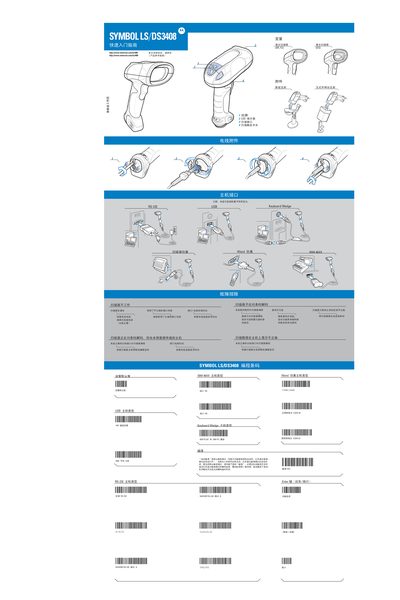
This guide covers the basic setup and operation of the SYMBOL LS/DS3408 laser scanner, including connection to a host computer via USB or RS‑232, LED indicator functions, and laser safety classifications. It also details the required power supply (5 V DC, minimum 850 mA) and the various host interfaces.
Safety information is provided for Class 2 laser products, along with troubleshooting steps for common issues such as non‑responsive laser, incorrect interface connections, and LED indicator warnings. The manual includes usage guidelines to minimize health risks and ensure proper handling of the device. This manual is written in Chinese.
| Power Supply | 5 V DC, minimum 850 mA |
|---|---|
| Laser Class | Class 2 |
| USB Interface | USB host interface |
| RS‑232 Interface | RS‑232 host interface |
| LED Indicators | 2 LED indicators |
Connect the device using the USB host interface or the RS‑232 host interface as described in the manual.
The device is classified as a Class 2 laser product.