
This document introduces the features and usage of the Motorola WX181 phone, including functions such as calling, messaging, and FM radio.
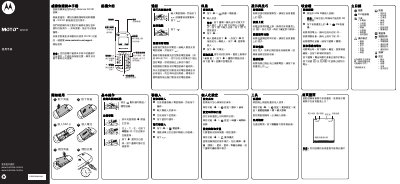
This manual introduces the Motorola WX181 mobile phone, covering basic functions such as making and receiving calls, sending messages, using the FM radio, and accessing built‑in tools like the flashlight, timer and calculator. It also explains how to navigate the main menu, adjust settings, and personalize the device with wallpapers and ringtones.
Safety and regulatory information are included, detailing battery handling, SAR limits, FCC compliance, and recommendations for use near medical implants or in hazardous environments. The guide provides instructions for emergency calls, battery charging limits, and proper disposal and recycling of the device. This manual is written in Chinese.
| Maximum SAR (head) value | 0.859 W/kg |
|---|---|
| Maximum SAR (body) value | 0.489 W/kg |
| Battery charging temperature range | 0 °C to 45 °C |
| FCC compliance class | Class B digital device |
Enter the emergency number (e.g., 999 or 110) and press the call button; the phone will dial even if it is locked.
Insert a mini‑USB earphone, then press the FM button on the home screen to launch the radio; use the navigation keys to tune stations.
Charge the battery only when the surrounding temperature is between 0 °C (32 °F) and 45 °C (113 °F).