
This is a user manual for the Panasonic LF-D321JD DVD-RAM / R drive, which contains information about the product's features and specifications.
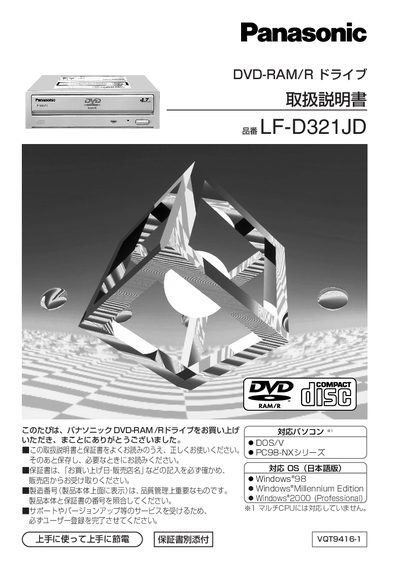
This manual provides instructions for using the Panasonic LF-D321JD DVD-RAM/R drive with compatible Windows systems. It details supported media formats including DVD-RAM, DVD-R, DVD-ROM, and CD formats. The drive comes with bundled software such as FileSafe, MediaSafe, DVD Agent, and DVD-MovieAlbum for backup, copying, utility, and video recording. It also includes WinDVD and DVDit! LE for playback and authoring. The manual advises users to register the product and backup important data.
The drive supports high-speed recording and playback of various disc types, including dual-layer DVDs, and is compatible with Windows 98, Windows Me, and Windows 2000 (Japanese version). It includes automatic detection of disc types and software for video editing and playback. Performance may vary depending on disc format and drive conditions. This manual is written in Japanese.
| Operating Systems | Windows 98, Windows Millennium Edition, Windows 2000 (Japanese version) |
|---|
It is compatible with Windows 98, Windows Millennium Edition, and Windows 2000 (Japanese version).
The drive can record and play DVD-RAM disks with capacities of 9.4 GB (double-sided), 4.7 GB (single-sided), 5.2 GB (double-sided), 2.6 GB (single-sided), 2.8 GB (double-sided), and 1.4 GB (single-sided).
It is software used to automatically back up specified folders or only folders with updated content to a DVD-RAM disk.
This software allows a user to copy data recorded on a DVD-RAM disk to another DVD-RAM disk using a single DVD-RAM/R drive.