
This document is a user manual for CASIO digital cameras, which provides information on pre-use precautions and accessory lists, as well as the characteristics of the LCD panel. It also includes an introduction to test shooting and camera functions.
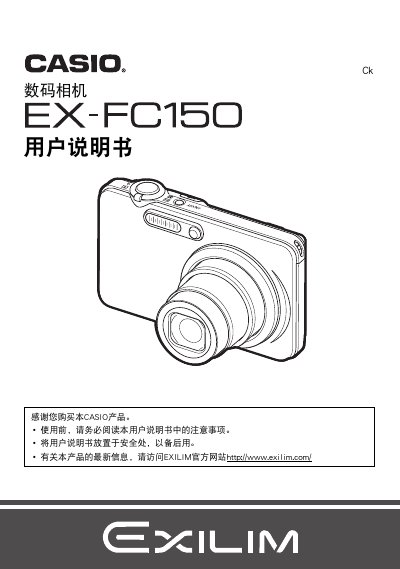
This is the user manual for the Casio EX-FC150 digital camera. The package includes the camera, an NP-40 rechargeable battery, a charger, a USB cable, an AV cable, and a CD-ROM.
It explains how to charge and insert the battery, insert a memory card, turn the camera on and off, take photos and movies, view and delete images, use BEST SHOT modes, print via PictBridge or DPOF, connect to Windows or Macintosh computers, and adjust settings. Troubleshooting information and product specifications are also provided. This manual is written in Chinese.
| Battery rated voltage | 37V |
|---|---|
| Battery rated capacity | 1300 mAh |
| Charger input power | 100 to 240 V AC, 80 mA, 50/60 Hz |
| Charger output power | 4.2 V DC, 600 mA |
| Charging time | 150 minutes |
It uses the NP-40 rechargeable battery.
Charging takes about 150 minutes.
Yes, it can connect directly to a PictBridge-compatible printer.