
This is a CASIO digital camera user manual, which introduces the basic functions and usage of the camera.
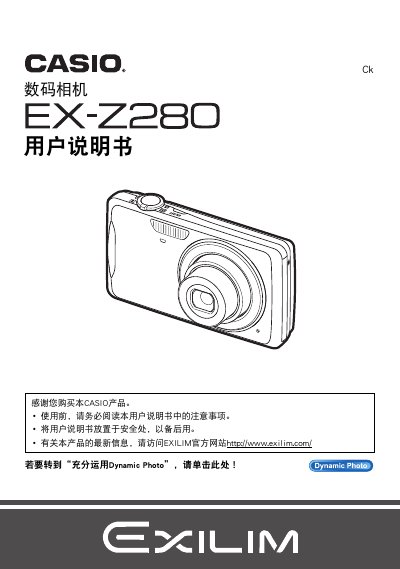
This manual covers the Casio EXILIM EX-Z280 digital camera. It begins with a quick start section on charging the NP-80 battery, loading it into the camera, supported storage media, and turning the power on and off.
Later sections explain shooting snapshots and movies with audio, using BEST SHOT scene modes, viewing and editing images, printing, transferring files to Windows and Macintosh computers, configuring camera settings, and solving problems, followed by an appendix with specifications. This manual is written in Chinese.
| Supplied rechargeable battery | NP-80 |
|---|---|
| Supplied charger | BC-80L |
| Movie image size used for Dynamic Photo | 640 x 480 pixels, JPEG |
The package includes the camera, NP-80 rechargeable battery, BC-80L charger, USB and AV cables, a CD-ROM, and a basic guide.
The manual instructs users to charge the battery before use, following the safety precautions given in the user guide.