
This document introduces DVI-RGB 200 user guide, including interfaces, safety and power information.
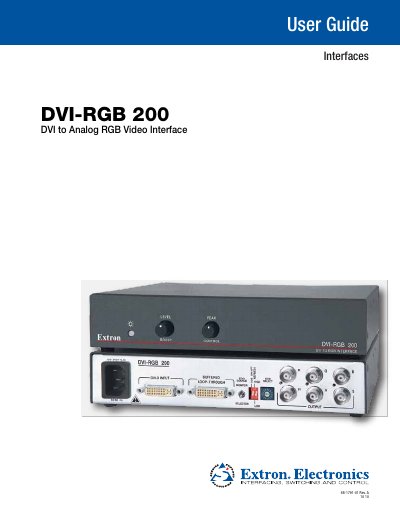
The Extron DVI‑RGB 200 is a rack‑mountable video interface that converts a DVI‑Digital video source to analog RGBHV, RGBS, or RGsB outputs via BNC connectors. It supports a single‑link DVI‑D input and provides a buffered loop‑through for local monitors, with selectable resolutions and refresh rates.
The guide covers safety warnings, installation steps, mounting options, rear‑panel connections, front‑panel controls, and detailed specifications. It also explains how to capture and use custom EDID data and lists part numbers for optional mounting accessories.
| Power Input | 100‑240 V, 0.4 A, 50/60 Hz |
|---|---|
| Video Input | Single‑link DVI‑D (29‑pin DVI‑I connector) |
| Video Output | Analog RGBHV, RGBS, or RGsB via 6 BNC connectors |
| Maximum Resolution | Up to 1920 × 1200 or 1080p @ 60 Hz |
| Impedance | 75 Ω |
| Level Adjustment Range | 0 dB to 6 dB (×1 to ×2) |
| Peaking Adjustment Range | 0 dB to 6 dB (×1 to ×2) at 100 MHz |
It operates from a 100‑240 V AC source at 0.4 A, 50/60 Hz.
Set the SOG (Sync on Green) On/Off switch to the On (up) position.
Yes, using the Extron HDMI‑to‑DVI‑D adapter (part #26‑616‑01), it can accept HDMI digital RGB signals, but not HDMI component (YCrCb) signals.