
Philips monitor user manual, introduces the installation, operation and maintenance of the monitor
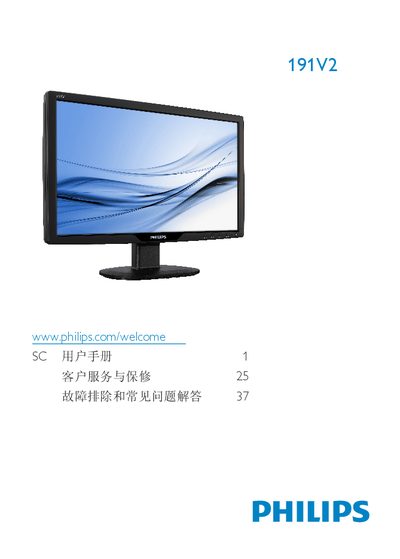
This manual explains important safety measures, warranty conditions, and proper handling of the Philips 191V2 LCD monitor. It includes warnings about electrical hazards, cleaning procedures, and environmental disposal requirements.
The guide walks you through unpacking, installing the VESA‑compatible stand, connecting the VGA cable, adjusting OSD settings, and using features such as SmartContrast and SmartControl Lite. Technical specifications, recommended operating conditions, and a troubleshooting FAQ are also provided. This manual is written in Chinese.
| Native resolution | 1366x768 @ 60 Hz |
|---|---|
| Operating temperature | 0‑40 °C (32‑95 °F) |
| Relative humidity | 20‑80 % RH |
| VESA mount pattern | 100 mm × 100 mm |
| Panel type | IPS |
Enable a moving screen‑saver or periodic refresh program when the monitor is left unattended, and avoid displaying static images for long periods.
The monitor should be used in an ambient temperature between 0 °C and 40 °C (32 °F‑95 °F).
Turn off and unplug the monitor, then wipe the screen with a slightly damp, soft cloth. Do not use organic solvents such as alcohol or ammonia.
Connect a VGA cable from the monitor’s VGA input to the PC’s video output, plug in the power cords, and power on both devices.