
Philips DVD player DVP3870K can play CD, (S)VCD, DVD, DVD+-R/RW, DivX, MP3, WMA, RMVB, JPEG and USB media. It also supports single-button MP3 production and recording of songs and converting them into MP3 format for playback on portable media players.
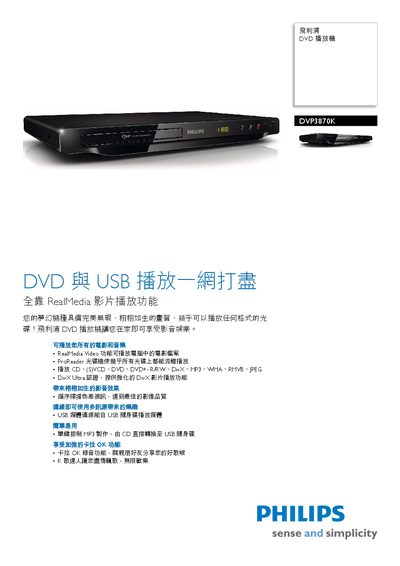
The manual describes the DVP3870K DVD player’s features such as RealMedia Video playback, USB media support, karaoke with MP3 recording, and the Sequential Scan image‑enhancement technology. It also explains how to use the remote control, connect audio/video cables, and access the built‑in USB port for media playback.
Technical specifications are listed, including audio and video format support, digital‑to‑analog converter resolution, power requirements, dimensions, and supplied accessories. Safety and parental‑control functions are also covered. This manual is written in Chinese.
| Frequency response | 30‑20000 Hz |
|---|---|
| Dynamic range (1 kHz) | > 80 dB |
| Power supply | 110‑240 V, 50/60 Hz |
| Power consumption | <10 W (operating), <1 W (standby) |
| Dimensions (W × H × D) | 400 × 80 × 282 mm |
| Supported audio formats | MP3, Dolby, PCM, WMA |
The player consumes less than 10 W during operation and less than 1 W in standby mode.
Sequential Scan doubles the vertical resolution of the image, resulting in a sharper picture.