
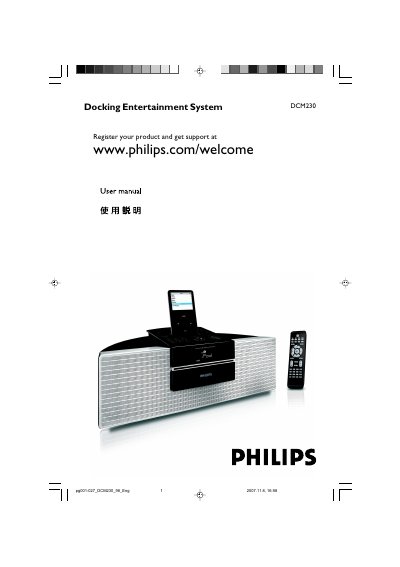
The manual provides safety information, connection instructions for power, antennas, USB devices, and external audio sources. It explains basic functions such as CD/MP3-CD playback, radio tuning, iPod dock compatibility, clock and timer settings, and includes maintenance and troubleshooting guidance.
The document also lists supplied accessories (remote control, FM/MW antennas, iPod dock adapters, AC/DC adapter) and specifies the adapter's input (100-240V ~ 50-60Hz 1.2A) and output (15V 3A). A specifications section and troubleshooting table address common issues like disc errors, poor radio reception, remote control problems, and USB device recognition. The system is a Class 1 laser product and compatible with all Apple iPod models using a 30-pin connector, including iPod touch, classic, nano (1st-3rd generation), and 5th generation iPods, with four included adapters for different models. This manual is written in Chinese.
| Power adapter input | 100-240V ~ 50-60Hz 1.2A |
|---|---|
| Power adapter output | 15V 3A |
| Laser class | Class 1 |
The power adapter accepts 100-240V ~ 50-60Hz 1.2A input.
All existing Apple iPod models with 30-pin connector, including iPod touch, classic, nano 1st-3rd generation, and 5th generation iPods.
Connect an outdoor FM antenna to the FM AERIAL terminal for better reception.
Disconnect and reconnect the AC power plug, then turn on the system again.