
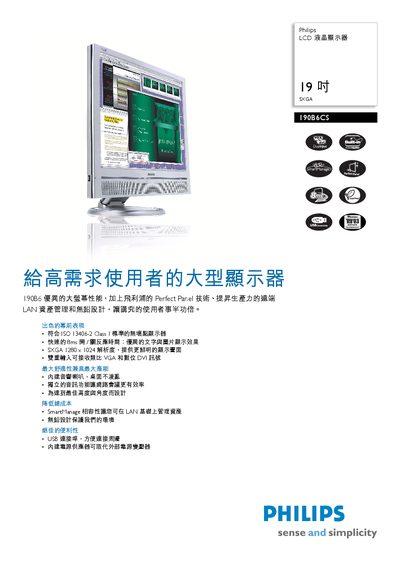
The Philips 190B6C is a 19‑inch SXGA LCD monitor featuring a 1280 × 1024 panel, 250 nits brightness, 8 ms response time, and wide viewing angles. It supports analog VGA and DVI inputs, built‑in speakers, USB 2.0 connectivity, and a built‑in power supply.
This manual covers the monitor’s specifications, dimensions, mounting options, network management via SmartManage LAN, environmental compliance, and detailed instructions for connecting video, audio, and USB devices, as well as OSD language settings and power usage. This manual is written in Chinese.
| Panel size | 199.48 cm |
|---|---|
| Brightness | 250 nits |
| Response time | 8 ms |
| Video inputs | Analog VGA and DVI |
| Audio output | 3.5 mm jack |
| USB interface | USB 2.0 |
| Power consumption (normal mode) | 40 W |
| Dimensions (with stand) | 425 × 419 × 255 mm |
| Weight | 64 kg |
| Storage temperature | -20 °C – 60 °C |
| Tilt range | -5° to 30° |
| VESA mount | 100 × 100 mm |
It supports analog VGA and DVI inputs.
The monitor includes SmartManage LAN management, allowing asset monitoring and control via a network.
The response time is 8 ms.