
ZyWALL USG 50-H is a high-speed wireless firewall that can provide enterprises with secure and fast network access. This manual introduces the installation and configuration methods of ZyWALL USG 50-H.
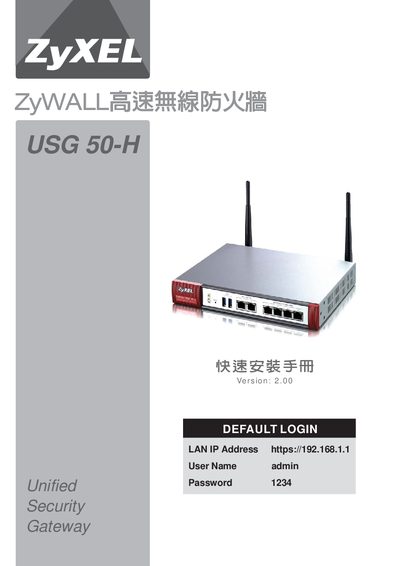
The ZyXEL USG 50‑H is a high‑speed wireless firewall designed for small‑ to medium‑size businesses. It includes VPN, firewall, ADP, bandwidth management, and supports two high‑speed WAN ports plus an optional USB 3.5G WAN interface. The device can be used as a router, bridge, or DMZ gateway to protect LAN and WLAN networks.
The guide walks you through hardware installation, required environment checks, computer and browser configuration, initial wizard setup, manual network settings, and advanced features such as VPN, bandwidth management, and load‑balancing trunk configuration. Each step includes screenshots and LED status indicators to verify proper operation. This manual is written in Chinese.
| Power Supply | 12 V / 1.5 A |
|---|---|
| WAN Ports | 2 high‑speed WAN interfaces |
| USB WAN Support | USB interface for 3.5 G WAN card |
| LED Indicators | PWR red (on), SYS green (steady/flashing), WLAN green (flashing when active) |
Select the "Reset" option in the menu as described in section 5‑1.
The default login address is https://192.168.1.1.
Use the wizard step 5‑3‑1‑2 "非固定制用戶 (PPPoE)" to set up a PPPoE WAN connection.