
NSA320 Media Storage Center Quick Installation Guide, introduces the product hardware specifications, product packaging accessories and contents, NSA320 functional overview, product hardware parts names and function descriptions, light description, RESET key function, as well as installation, basic function settings, advanced function settings, computer terminal file access instructions, common problem troubleshooting and other contents.
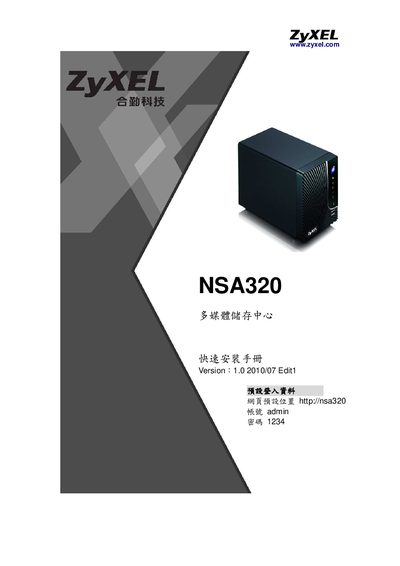
This guide walks you through preparing the NSA320, connecting power and network cables, installing hard drives, and configuring basic network settings. It also explains the device’s LED indicators, reset and COPY/SYNC functions, and how to use the web interface.
Additional sections cover advanced features such as FTP and web publishing, backup/restore procedures, firmware upgrades, and a detailed FAQ that addresses common issues like file‑size limits and data recovery. This manual is written in Chinese.
| SATA slots | 2 (supports 3.5" SATA I/II drives) |
|---|---|
| Power output | 19 VDC / 2.1 A |
| Power input | 100‑240 V / 1.0 A, 50‑60 Hz |
| COPY/SYNC button | Synchronize or copy data from USB devices |
Verify that the device’s power LED is solid blue, that the LAN LEDs are lit, and that the network equipment is powered on; then use the NSA Starter Utility to locate the device.