
This document is the user manual of Zyxel PLW-4005 Powerline Network Extender, which mainly introduces the features of the product, including supporting HomePlug AV standard, transmission speed up to 200Mbps through power line network; no need to lay new network cables; no software required, plug and play; energy-saving mode and low power consumption; color LED light to display power network status; support QoS, stable and delay-free multimedia applications; 128-bit AES encryption and key management, providing secure power network access; support full-duplex or half-duplex mode of Ethernet network.
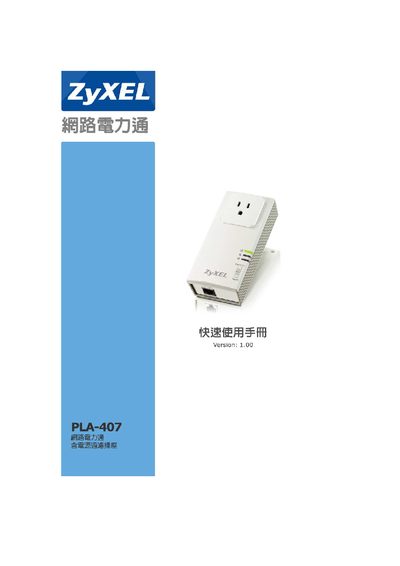
The PLA-407 is a HomePlug AV powerline adapter that enables Ethernet networking over existing electrical wiring, supporting up to 200 Mbps data rates and AES‑128 encryption. It is designed for easy installation without additional cabling and includes LED indicators for status monitoring.
This manual covers product specifications, package contents, detailed descriptions of each component, step‑by‑step connection to existing networks, and a comprehensive FAQ section that addresses common issues such as LED status, recommended distance, reset procedures, and power‑line compatibility. This manual is written in Chinese.
| Maximum data rate | 200 Mbps |
|---|---|
| Power input voltage | 100‑240 VAC, 50/60 Hz |
| Ethernet speed | 10/100 Mbps Auto‑MDI/MDIX |
| Encryption | 128‑bit AES |
The LED may stay off if the adapter is connected through an extension cord or shares a power line with other high‑frequency devices; connect the PLA-407 directly to a wall socket and avoid using extension cords.
The PLA-407 is recommended for a maximum distance of about 100 meters; performance will decrease with longer cables.
Press and hold the reset button for about 2 seconds, then release; the LEDs will flash and the device will return to its default settings.