
This is a quick installation manual for a wireless N-Lite 3G/3.5G router produced by Zyxel Technology. It mainly introduces the product's features, installation methods, and setup methods.
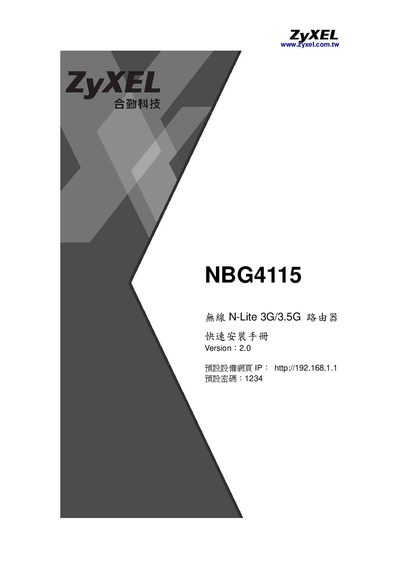
The Quick Installation Guide walks users through the initial setup of the Zyxel NBG4115 router. It includes hardware connection diagrams, default IP and password information, and step‑by‑step instructions for configuring WAN, LAN, and wireless settings.
Key sections cover product specifications, package contents, LED indicators, WPS setup, security options (WEP, WPA/WPA2), NAT/virtual server configuration, and a troubleshooting FAQ to resolve common connection issues. This manual is written in Japanese.
The default web interface IP is http://192.168.1.1 and the default password is 1234.