
This document is an electronic user manual for Philips LCD monitors, providing safety precautions, troubleshooting information, regulations, and other relevant details. It includes instructions for using the monitor, such as avoiding direct sunlight, keeping ventilation holes clear, and not applying excessive pressure to the LCD panel. Maintenance tips are also mentioned, such as cleaning the monitor and avoiding usage in dusty, humid environments. Additionally, it highlights the potential issue of screen burn-in from displaying static images for extended periods of time.
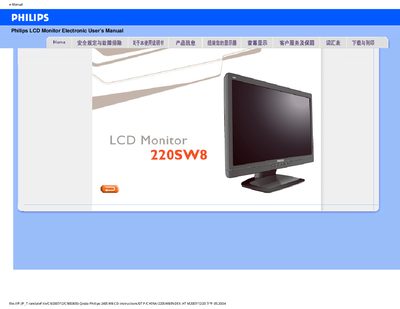
This manual covers safe handling, installation, and operation of the Philips 220SW8 LCD monitor. It includes warnings about sunlight exposure, ventilation, cleaning, and proper power handling, as well as guidance for adjusting screen settings and using the built‑in auto‑adjust function.
The document also contains a comprehensive FAQ section that addresses common issues such as video mode errors, resolution adjustment, driver installation, and USB functionality, plus a download and print guide for the monitor’s driver package.
| Recommended resolution | 1680 x 1050 @ 60 Hz |
|---|---|
| Operating temperature | 0 °C – 40 °C (32 °F – 95 °F) |
| Relative humidity | 20 % – 80 % RH |
Open Windows Display Properties, select the desired resolution (e.g., 1680 × 1050), and apply the changes.
Yes, the Philips LCD monitor includes four standard VESA mounting holes for wall or bracket installation.
Use a soft, slightly damp cloth for routine cleaning; for thorough cleaning, use isopropyl alcohol, avoiding other solvents.