
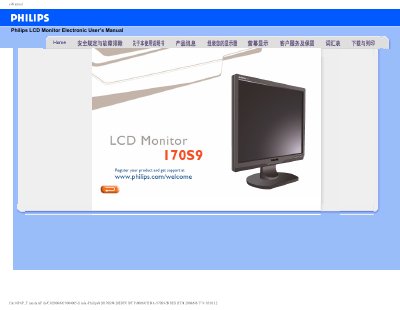
The Philips 170S9 is a 17-inch LCD monitor. This manual provides essential guidelines for the safe operation and maintenance of the device, including environmental requirements and precautions to prevent electrical shock or mechanical damage.
It includes detailed instructions on screen adjustment, color settings, and compatibility with various computer systems, as well as a comprehensive FAQ section to assist users with common setup and performance issues. This manual is written in Chinese.
| Recommended Video Mode | 1280x1024@60Hz |
|---|---|
| Operating Temperature | 0-40°C (32-95°F) |
| Operating Humidity | 20-80% RH |
| Screen Hardness | Equivalent to 2H pencil |
Set the computer's display settings to the recommended mode of 1280x1024 at 60Hz.
Use a soft, fine tissue for regular cleaning, or isopropyl alcohol for thorough cleaning; avoid using ethanol, acetone, or other solvents.
Yes, it features four standard VESA mounting holes on the back panel for use with VESA-standard arms or accessories.