
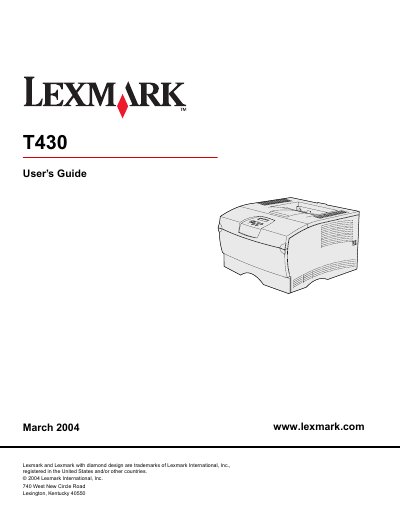
The Lexmark T430 User's Guide describes the printer, its operator panel, and supported print media sources and specifications. It covers loading the standard and optional trays and the multipurpose feeder, using the output bins, and clearing jams.
The guide also covers printing tasks such as duplexing and canceling jobs, understanding fonts, using operator panel menus, printer messages, software and network tasks, supplies and maintenance, administration, and troubleshooting.
| Operator panel display | 2-line by 16-character LCD |
|---|---|
| Operator panel buttons | Five buttons and one indicator light |
| Tray 1 paper weight | 60–105 g/m2 (16–28 lb) |
| Optional 500-sheet tray capacity | 500 sheets of paper |
| Multipurpose feeder maximum media size | 216 x 355.6 mm (8.5 x 14 in.) |
| Duplex unit supported sizes | A4, JIS B5, folio, letter, legal |
Tray 1 supports 60–105 g/m2 (16–28 lb) paper.
It holds 500 sheets of paper.
The duplex unit supports A4, JIS B5, folio, letter, and legal.
The operator panel has five buttons and one indicator light.