
This document is the user manual of Panasonic KX-MB2008CN multifunction printer, which provides detailed instructions on how to use the product, including how to install, use and maintain it.
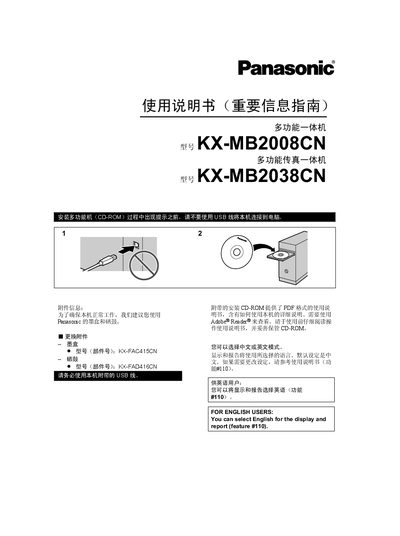
This manual provides safety instructions, installation steps, and required accessories for the Panasonic KX-MB2008CN/KX-MB2038CN multifunction devices. It explains power requirements, grounding, proper placement, and handling of cables and consumables.
The guide also details how to use the machine in scan, copy, and fax modes, how to change language settings, interpret display messages, replace ink/toner cartridges, and perform routine maintenance. This manual is written in Chinese.
| Ink cartridge part number | KX-FAC415CN |
|---|---|
| Toner cartridge part number | KX-FAD416CN |
| Regulatory compliance | GB4943, GB9254, GB17625.1 |
Select English for the display and report using feature #110.
Only a shielded USB 2.0 certified cable should be used.
No, do not use an extension telephone line with the KX-MB2038.