
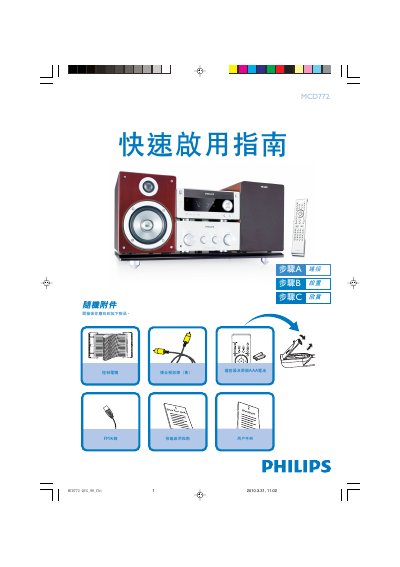
This guide lists the items included in the box and shows how to connect the composite video cable, FM antenna, control cable, speaker cables, and power cord to a TV and the unit. It also explains how to select the correct video input on the TV and how to power the system.
The manual covers basic operation such as selecting DVD, CD, USB, or radio sources, configuring DVD menu options, setting the clock, programming radio stations, and using USB storage devices. It includes notes on disabling progressive scan, using HDMI and SPDIF, and basic remote‑control functions. This manual is written in Chinese.
| HDMI support | Yes |
|---|---|
| SPDIF support | Yes |
| 3D processing | Supported |
| USB compatibility | USB 2.0 or USB 1.1 |
Press and hold the PROGRAM key for more than two seconds, then use the tuning buttons to step through available stations until the desired presets appear.
Yes, insert the USB plug into the unit, select the USB source with the SOURCE knob or USB button, and the device will play audio files just like CD tracks.