
This Quick Start Guide provides instructions on how to use your MCM275 radio, including how to install, connect, play CDs, set the clock, tune in radio stations, etc.
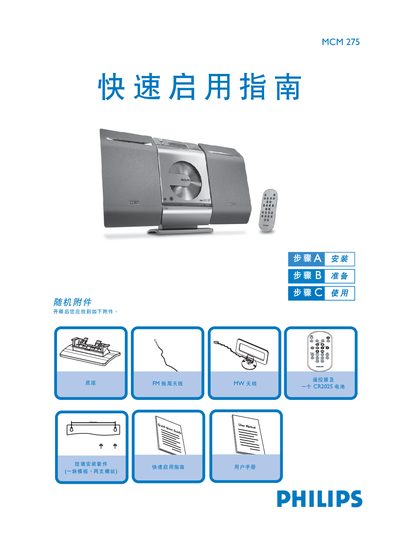
The guide begins with a list of the accessories that come with the MCM275 and step‑by‑step instructions for assembling the base, connecting the left and right speaker terminals, attaching the MW, FM trailing and loop antennas, and plugging the AC power cord. It also advises on wall‑mount installation and recommends using a qualified person for that task.
After the hardware is set up, the guide explains how to set the clock (12‑hour or 24‑hour mode), play audio CDs (CDDA, CD‑R, CD‑RW, MP3/WMA), select sources such as CD, USB or radio, and operate the remote control. USB flash drives (USB 2.0/1.1) and storage cards (with a reader) are also supported for audio playback. This manual is written in Chinese.
| Speaker terminals | LEFT (red and black) and RIGHT (red and black) |
|---|---|
| Power supply | AC mains via power cord |
| Supported CD formats | CDDA, CD‑R, CD‑RW, MP3/WMA CD |
| USB playback | USB flash drives (USB 2.0/1.1) and storage cards (with reader) |
| Clock format | Selectable 12‑hour or 24‑hour |
Connect the left speaker wire to the LEFT (red and black) terminal and the right speaker wire to the RIGHT (red and black) terminal.
Insert the CD with the label side up, close the tray with the CD OPEN/CLOSE button, then press PLAY.
Open the foldable control panel, plug the USB device into the USB port, then select the USB source using the SOURCE or USB button.