
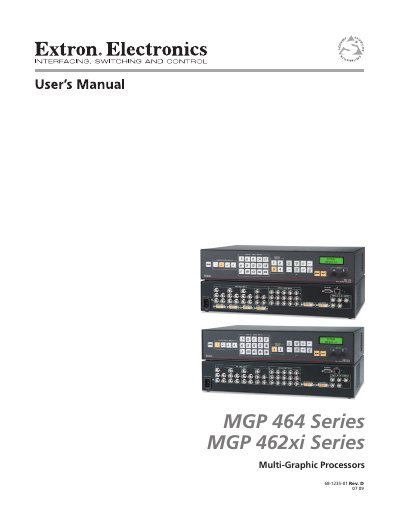
This manual begins with safety warnings that alert users to the presence of uninsulated dangerous voltage, the need to use only the specified power source, proper grounding, and to have qualified service personnel perform any maintenance. It also outlines the required precautions for handling the lithium battery and keeping ventilation slots clear.
The remainder of the document covers installation (including rack‑mounting), detailed configuration of video inputs, outputs, picture controls, and network settings, as well as operation of the processors, firmware updates, and special applications such as matrix switching and daisy‑chaining.
| Supported video input types | VGA‑WUXGA, RGBHV, RGBS, RGsB, RsGsBs, RGBcvS, component, S‑video, composite |
|---|---|
| Configurable video inputs | 4 fully configurable inputs |
| Virtual inputs | 15 virtual inputs |
| Scaled output | 1 scaled output (5 BNC connectors and a DVI‑I connector) |
| Connectors | 4× female BNC (all models); 4× female DVI‑I (DI models); 2× female BNC + 2× female DVI‑I (HD‑SDI models) |
| Impedance | 75 Ω |
| Horizontal frequency | 15 kHz to 100 kHz |
The MGP 464 can display up to four windows at the same time.
Yes, the 2U high metal enclosure can be rack‑mounted using the included rack or through‑desk mounting brackets.