
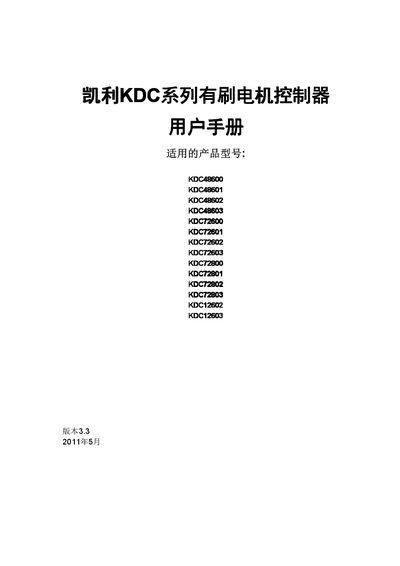
This manual describes the KDC series brushed motor controllers produced by Kelly. It provides an overview of the product line, lists the supported models (e.g., KDC48600, KDC72603) and outlines the main functional features and safety protections.
The document includes detailed installation instructions, wiring diagrams for the front panel connectors, CAN message definitions, and technical specifications such as rated current, voltage ranges and temperature limits. It is intended for technicians and end‑users who need to set up and maintain the controllers. This manual is written in Chinese.
| KDC48600 Rated Current | 600 A |
|---|---|
| KDC48600 Continuous Current | 240 A |
| KDC48600 Operating Voltage | 24 V‑48 V |
| KDC48600 Max Voltage | 18 V‑60 V |
| KDC72600 Operating Voltage | 24 V‑72 V |
| KDC72600 Max Voltage | 18 V‑90 V |
| Full‑power Working Temperature Range | 0 °C to 50 °C |
| Operating Temperature Range | -30 °C to 90 °C |
The controller can operate from –30 °C up to 90 °C, with full‑power operation allowed between 0 °C and 50 °C.
The KDC48600 works with an operating voltage of 24 V‑48 V and a maximum voltage range of 18 V‑60 V.
The controller provides LED fault indicators, temperature protection that reduces current when temperature is too high or low, and over‑current protection that stops operation if current exceeds limits.